Windows ssh/git Server
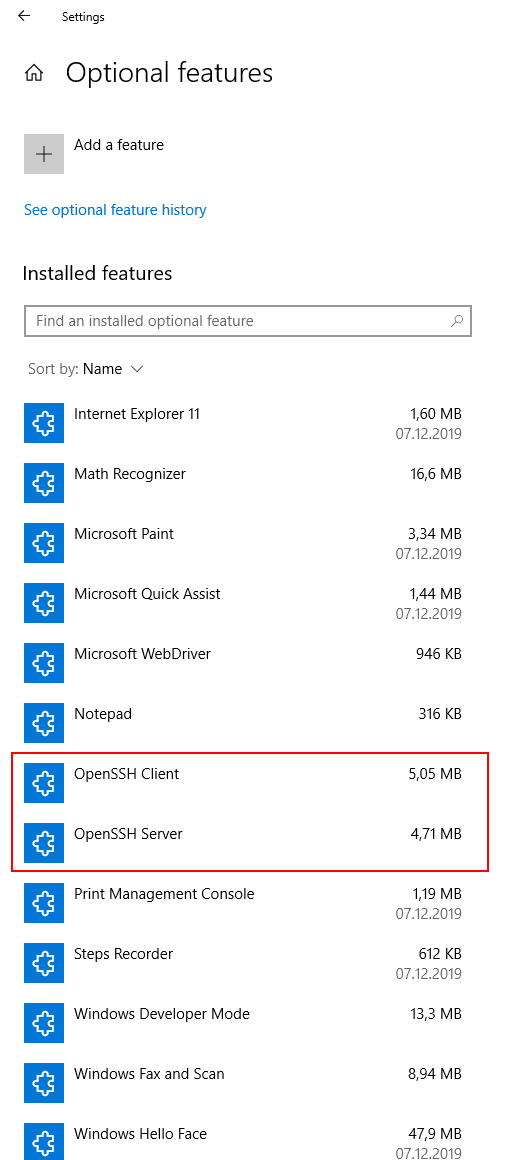
If you are developing software and are using Git on Windows 10 and don't want to push to github, gitlab, etc., you might find this useful. You can turn your Windows OS into a git server, by just configuring ssh access. 1. Add the features for OpenSSH (part of Windows 10) Open Settings - Apps - Optional Features - Add a feature and install "OpenSSH Server" and "OpenSSH client" 2. Create a git user Create a user git , member of sshusers , who cannot change his password, who is active and whose password never expires. Open Control Panel - Administrative Tools - Computer Management Under System Tools - Local Users and Groups - Right click on Users - New User... 3. Configure the git user Login with the git user and create the c:\Users\git\.ssh directory. Inside, create the " authorized_keys " text file with your public ssh key and make it accessible only by user git . Here is ...